
LISTEN OR WATCH HERE…
One concern I’ve heard more than once is… will making someone an admin allow them access to my personal page?
The answer quite simply is NO! In this episode I dive into to the steps you need to take for add someone as an admin on your Facebook and LinkedIn pages.
These 2 platforms operate in a very similar way where you are inviting an individual to join you as Admin opposed to Instagram or your Twitter pages where you would need to give them your username and password.
In order for someone to access your Facebook and your LinkedIn pages you’re going to connect with the individual through their personal pages but it enables them to access only your business page.
Have a watch as as take you through the process for Facebook and for Linked In!
I love helping entrepreneurs with any struggles that you may be facing and my brain is filled with endless tips and tricks. Got something you can’t seem to figure out? Send me an email at hub@inspired.bm I’ll try to cover it in my Hot Tips! No question is a silly question here at Inspired!
MAKE SURE YOU SUBSCRIBE TO MY NEWSLETTER BY USING THE STAY CONNECTED AREA BELOW TO RECEIVE THESE HOT TIPS AND MORE STRAIGHT IN YOUR INBOX
Hey there Entrepreneur! Welcome, you have come to the right place my friends!
This episode marks the first of many training style podcasts where I’ll be sharing practical tips that you can implement right away to grow your business. I know for a fact, that we are all looking for more of two things in our life, the first being more money, the second, of course, being MORE TIME.
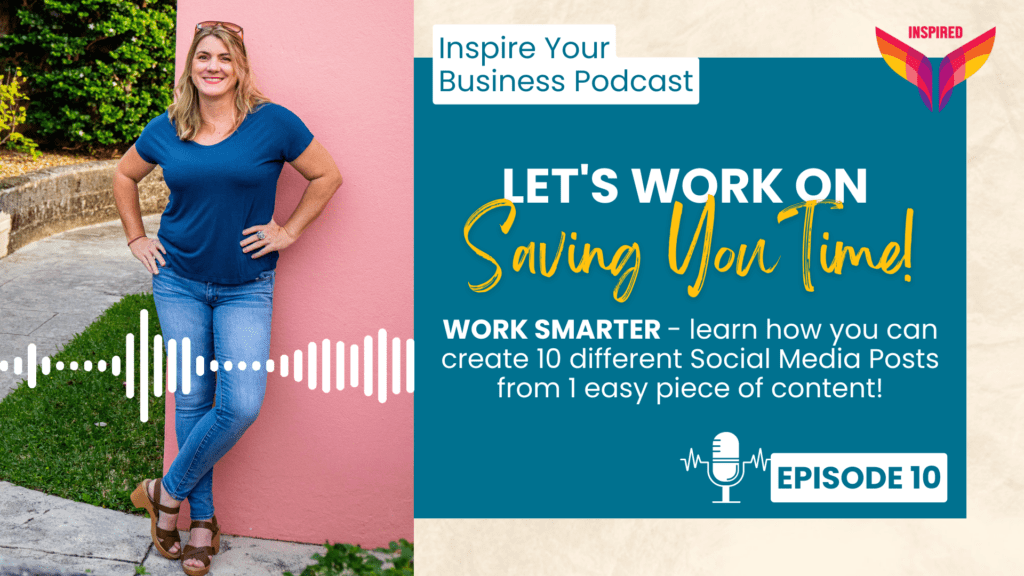
In this episode, I’m going to show you how you can take one piece of easy content and create 10 different social media posts. It’s an excellent way to increase your social media presence and generate more posts, without spending hours creating new content. It’s going to save you a load of time trying to think about different things to post through the week!
Now, let’s dive into the technique. The first step is to decide on 3 ITEMS that bring value to your audience and educates on something that you can provide to them. This can be something like three top tips, three amazing benefits, or three products. Once you have these 3 items figured out, you have the basis to begin to create your ten different social media posts.
For the 1st POST, I want you to create a single graphic that highlights the 3 items. Keep it concise and easy to read, so your audience can quickly understand the value you’re providing. In the caption, you can elaborate further on the topic and provide more context.
Your 2nd POST will be an expanded version where you’ll create a carousel post with five graphics that provide more detail on each tip or benefit. The carousel format is ideal for showcasing multiple images and has been gaining popularity on social media lately.
In your carousel post, the first graphic should be an introduction headline – like “3 Benefits for Inspired Hub Members”, followed by three graphic slides, each containing 1 of your tips or benefits. The final graphic should be your call-to-action, such as “Visit my website” or “Follow me for more tips.” Giving you a total of 5 slides in your carousel.
Once you have posted your carousel you can have a very easy 3rd POST – simply share your carousel post into your stories. Add a link (if you have a call to action) or gif to add excitement.
Your 4th POST is a little more tricky as you are going to create a REEL! Find an audio that works for your 3 tips – you can film yourself or use another video but highlight your 3 tips in the reel and add details in the caption.
For POSTS 5 & 6, we are going to expand on the 3 individual items. I want you to hop onto your stories and film yourself talking about your first tip – 60 seconds max to describe it! Make sure to add captions and download this to your phone as once you share it in your stories, you can hop over and post it as a REEL!
Repeat this for each tip over several days – this will give POSTS 7 & 8 and 9 & 10!
You can use this technique to use over 1 week or spread it out over 2 weeks! If you hop onto my Instagram page (@inspiredbermuda) you can follow how I am doing this all week – starting on Tuesday 28th March! I hope this technique helps you create more social media content efficiently and saves you time.
FREE WORKBOOK AVAILABLE – If you are interested, I have an amazing FREE workbook that goes along with this episode to help you work through your 10 posts! Hop over to www.inspired.bm/save-time-freebie to download it!
Remember, our Inspired Hub membership has a wealth of resources to help you grow your business even more with our Social Media Basics Masterclass and collaborative 2-hour co-working Social Media Strategy Session on the last Tuesday of each month.
For more information on the Inspired Hub Membership visit – www.inspired.bm/membership